
GET THE BIG PACK
YOU CAN’T WAIT TO HAVE IT, AND MAKE SUPER AMAZING PRESENTATIONS IN NO TIME AND GET DOWN TO THE CONTENT WHICH IS WHAT YOU ARE MEANT TO DO! YOU DON’T NEED TO DESIGN, WE’VE ALREADY DONE THAT FOR YOU… TO MAKE YOUR LIFE EASIER!
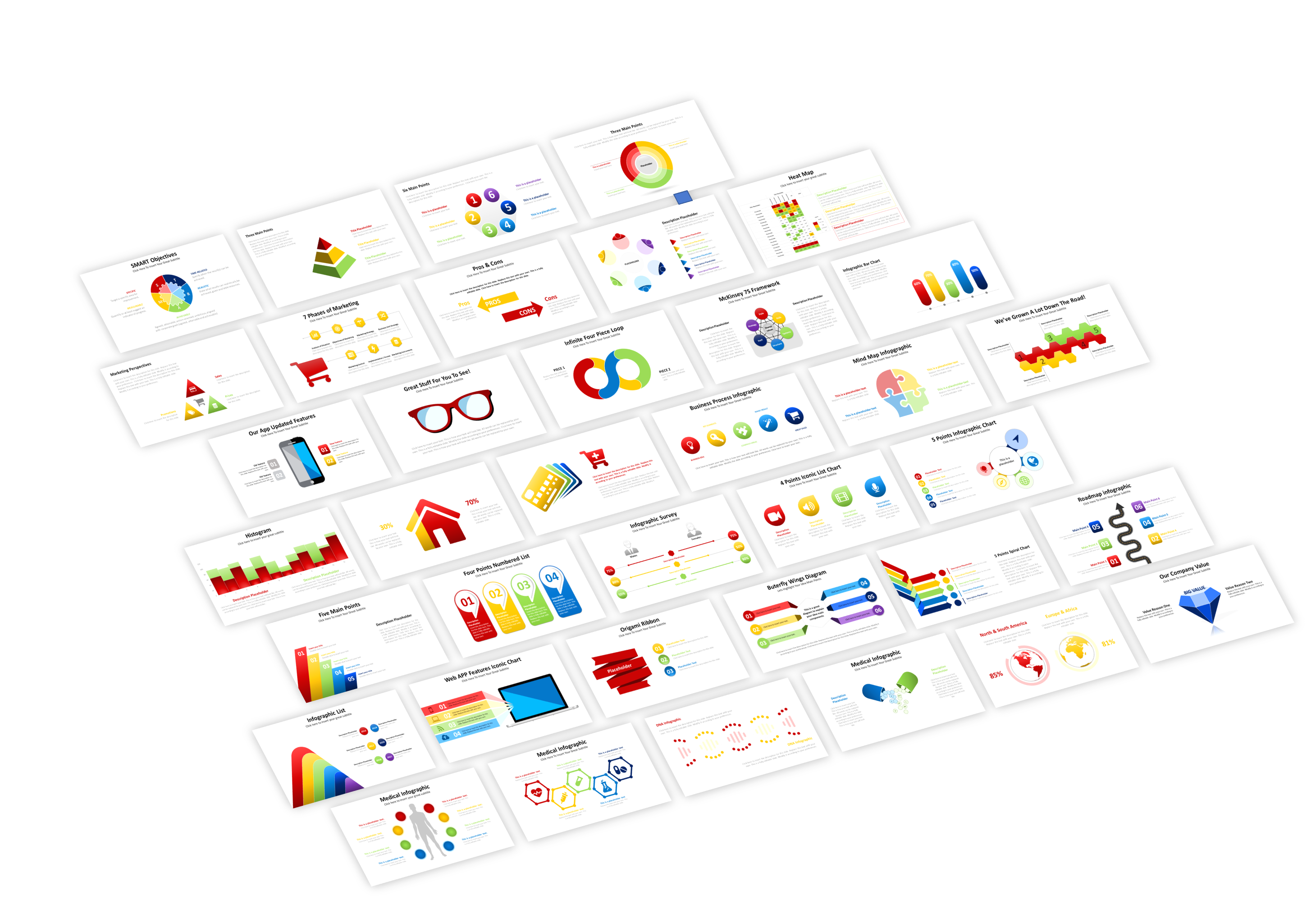
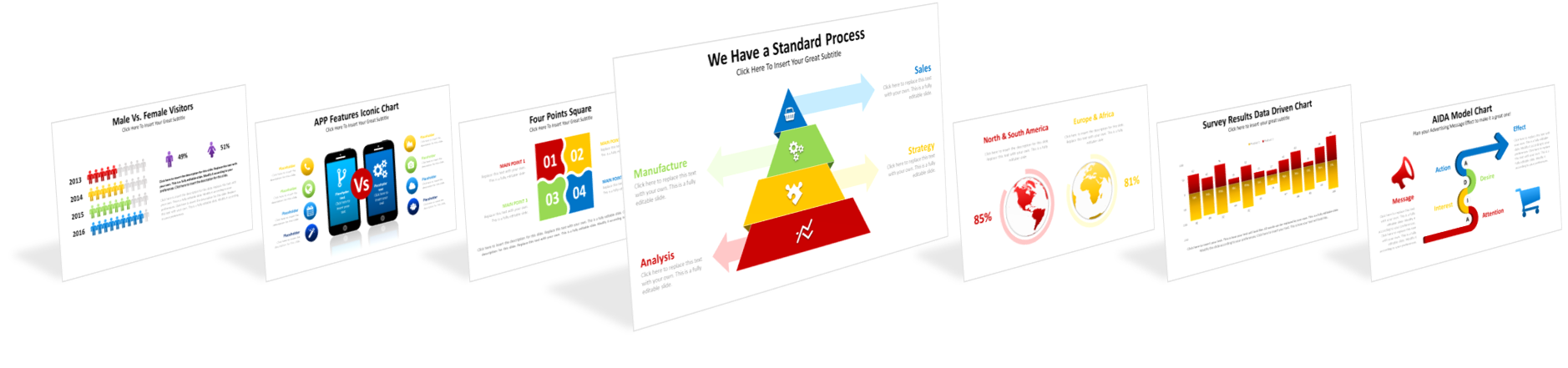
THIS POWERPOINT PREMIUM PRESENTATION PACK INCLUDES 930+ UNIQUE TEMPLATES IN 10 COLOR COMBINATION THEMES. 9300+ SLIDES IN TOTAL!
Normally 410USD now 49, don’t miss this deal!
THE BIG PACK IS COMPATIBLE WITH

930+ UNIQUE SLIDES
PRICED AT 410 USD
DON´T MISS THIS
LIMITED TIME OFFER
WHY TO BUY?

Save thousands of hours
Save hours and even days spent on graphic design rather than on business strategy.

Impress your audience
Use eye-catching layouts and infographics to captivate your audience with clear visuals.

No skills required
You don’t need prior knowledge of PowerPoint design. We’ ve done the design work for you.

Premium quality content
Access thousands of 100% editable infographics to give your slides a cutting-edge look.

Change colors in no time
Use the PowerPoint Slide Master feature to adjust the slides to your brand in the blink of an eye.

Suitable for all niches
In all businesses presenting information with compelling visual infographics makes a difference.

Easy to edit
Adjust the templates color, size, fonts and more according to your needs every time you need.

Instant download
Buy and download our PowerPoint premium package. It will remain yours forever.
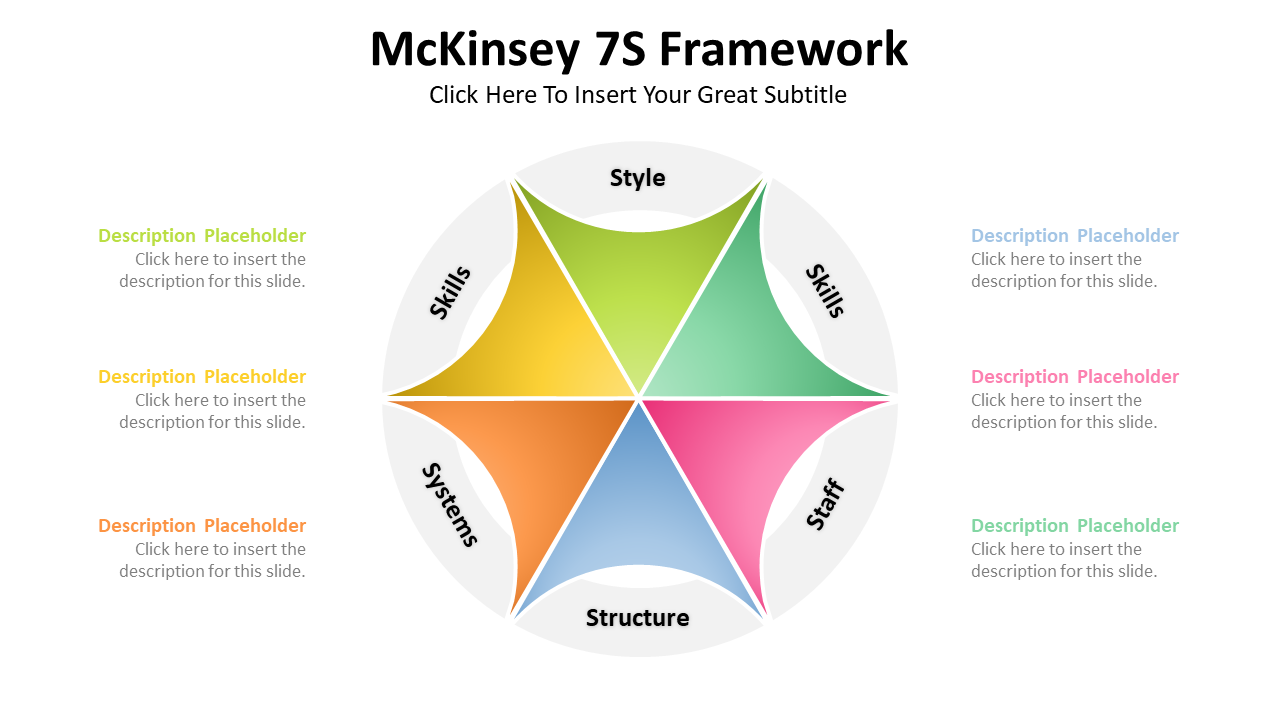
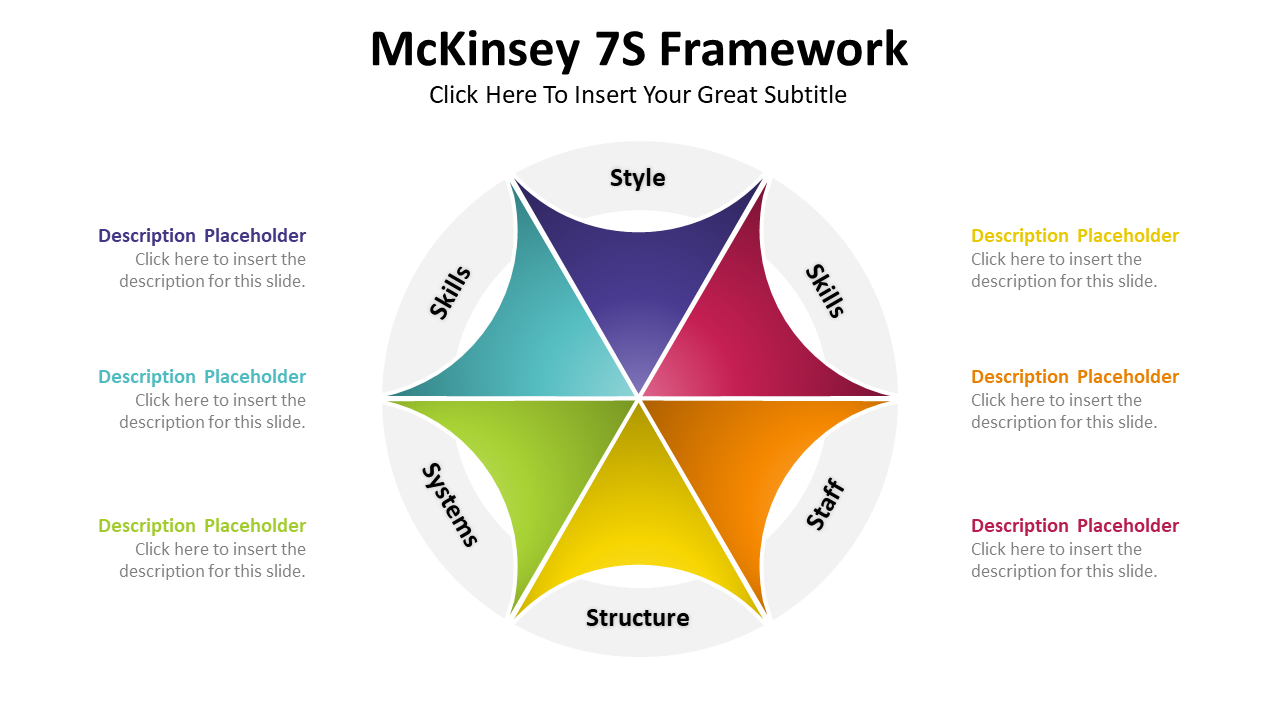
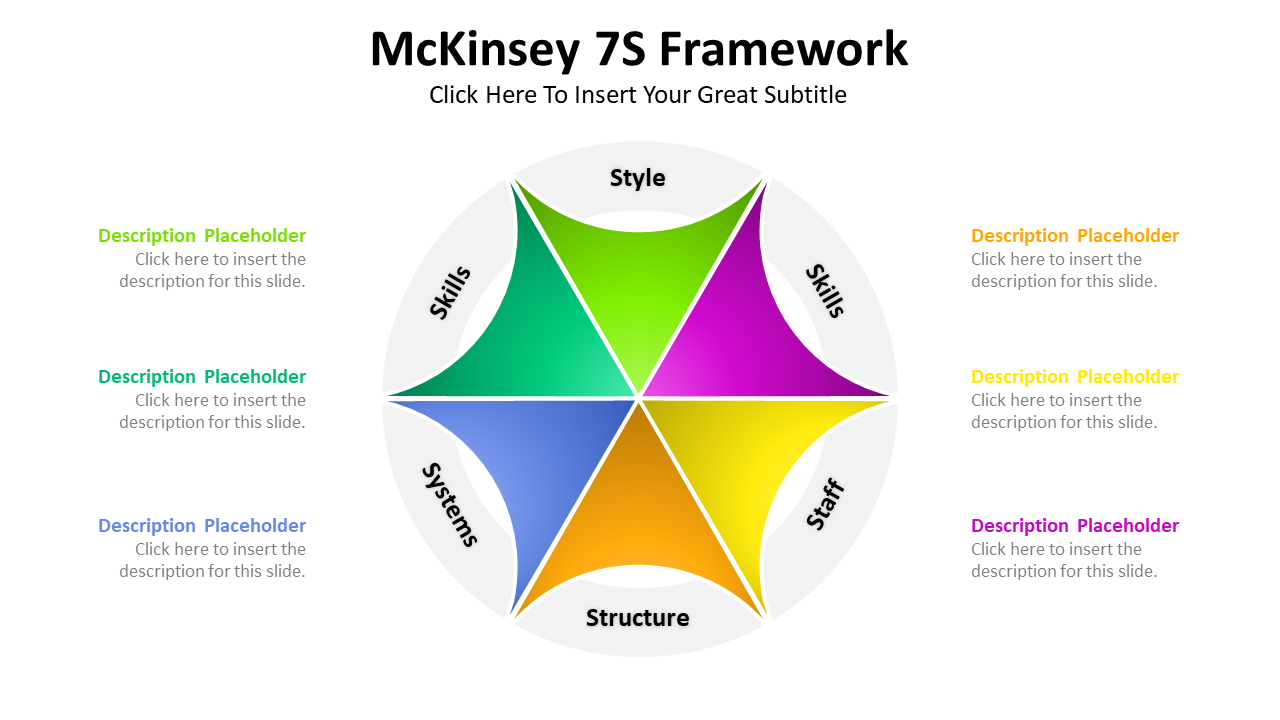
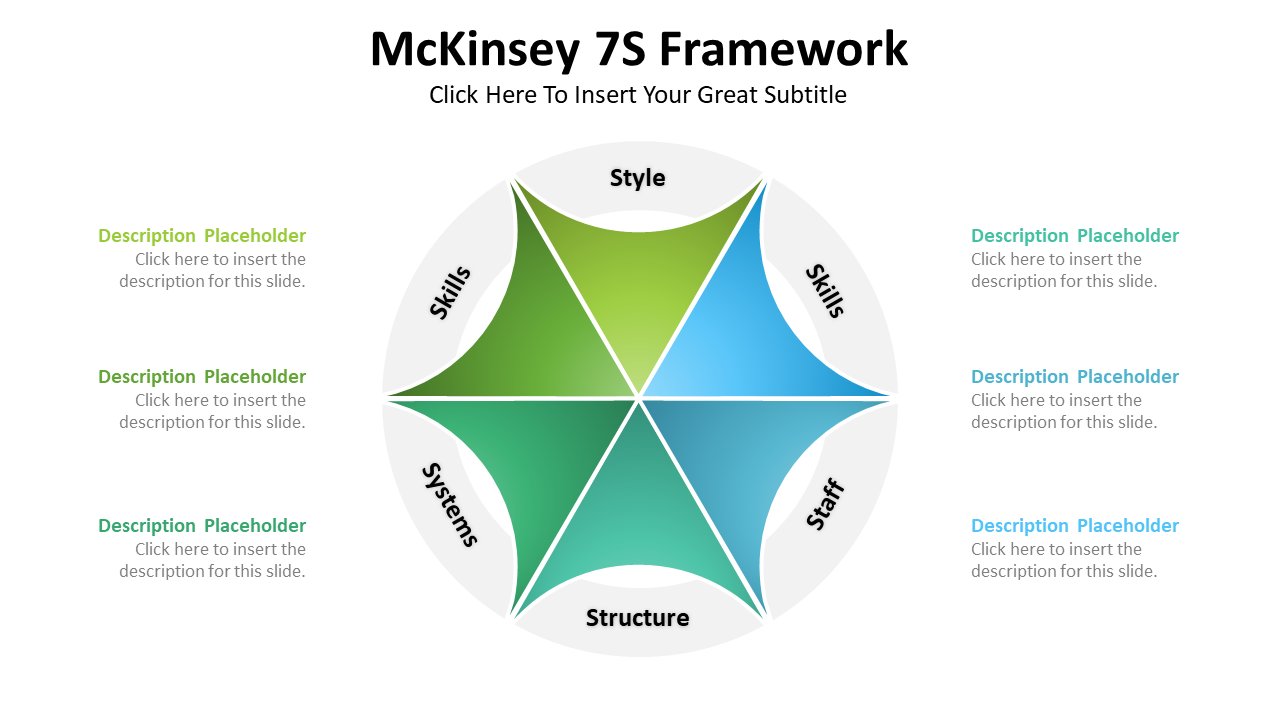
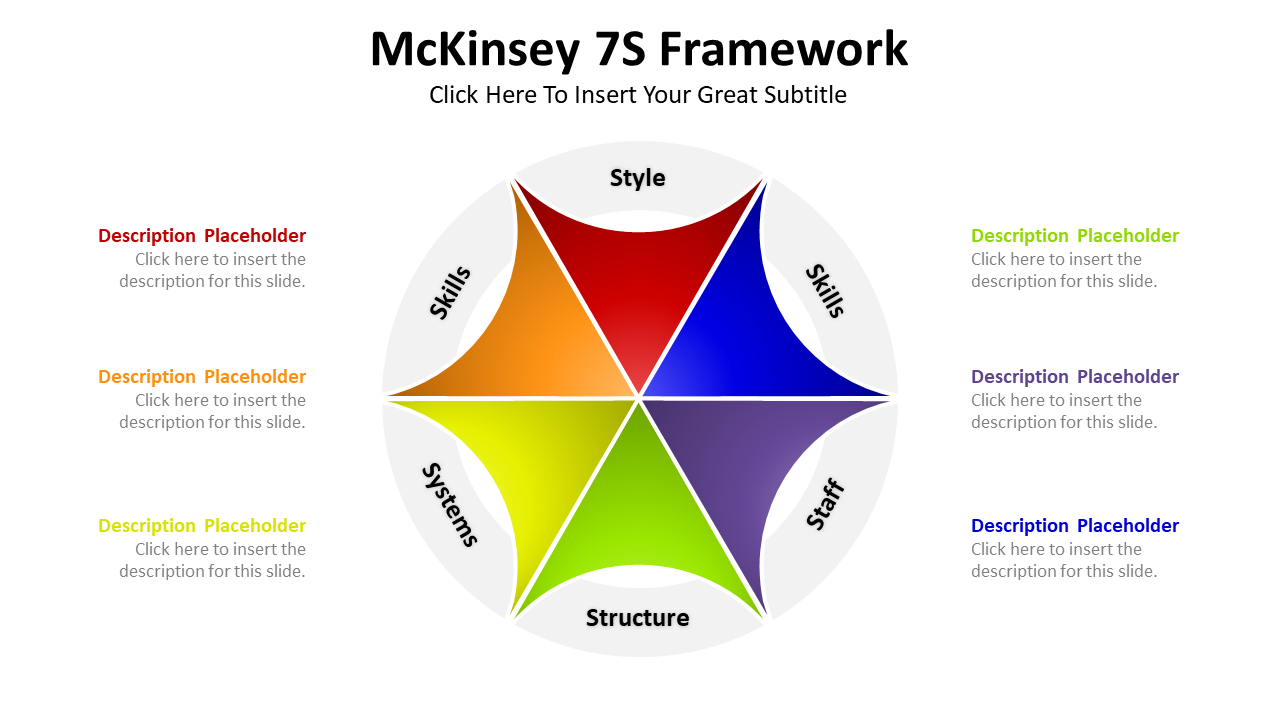
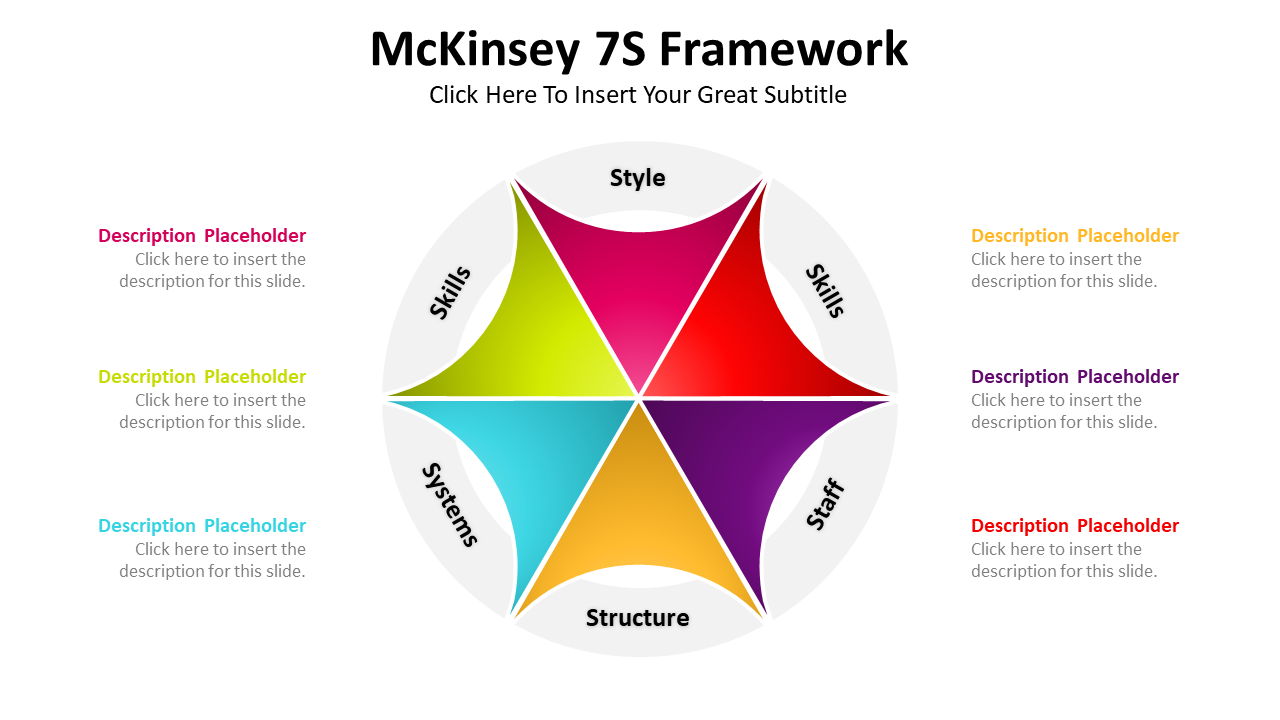
EVERY SLIDE WAS DESIGNED WITH 10 DIFFERENT COLOR THEMES
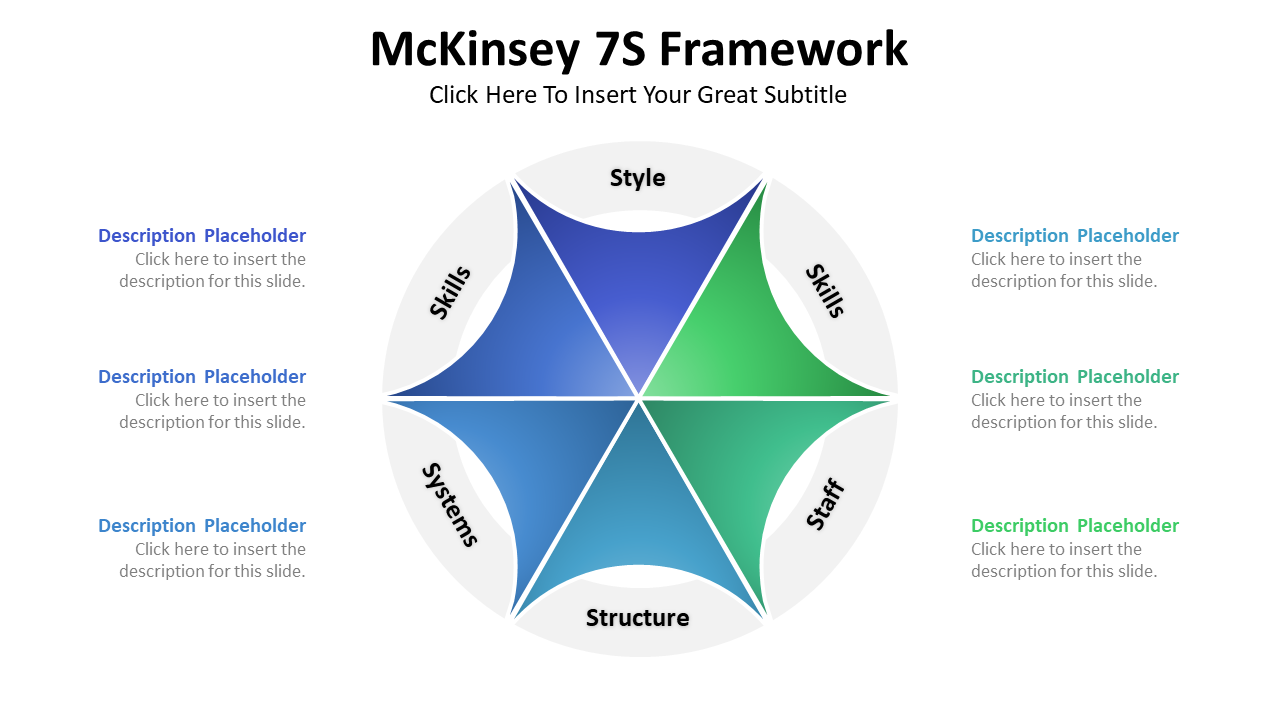
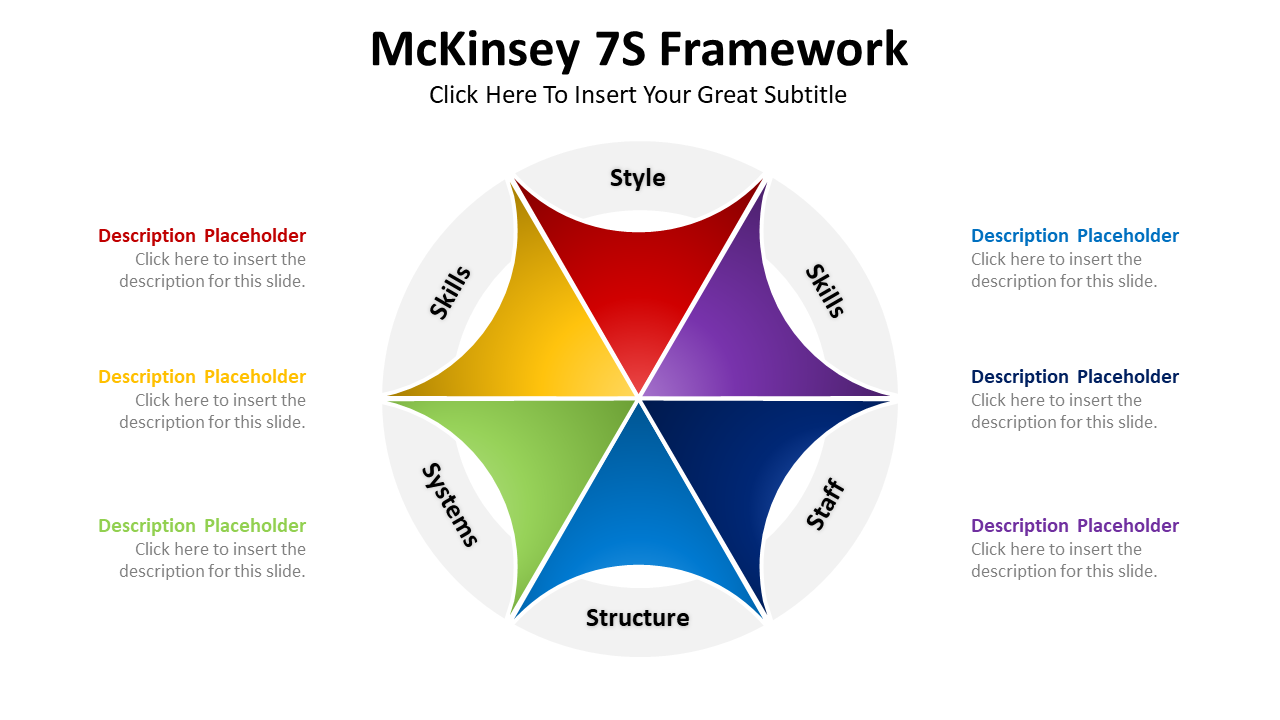
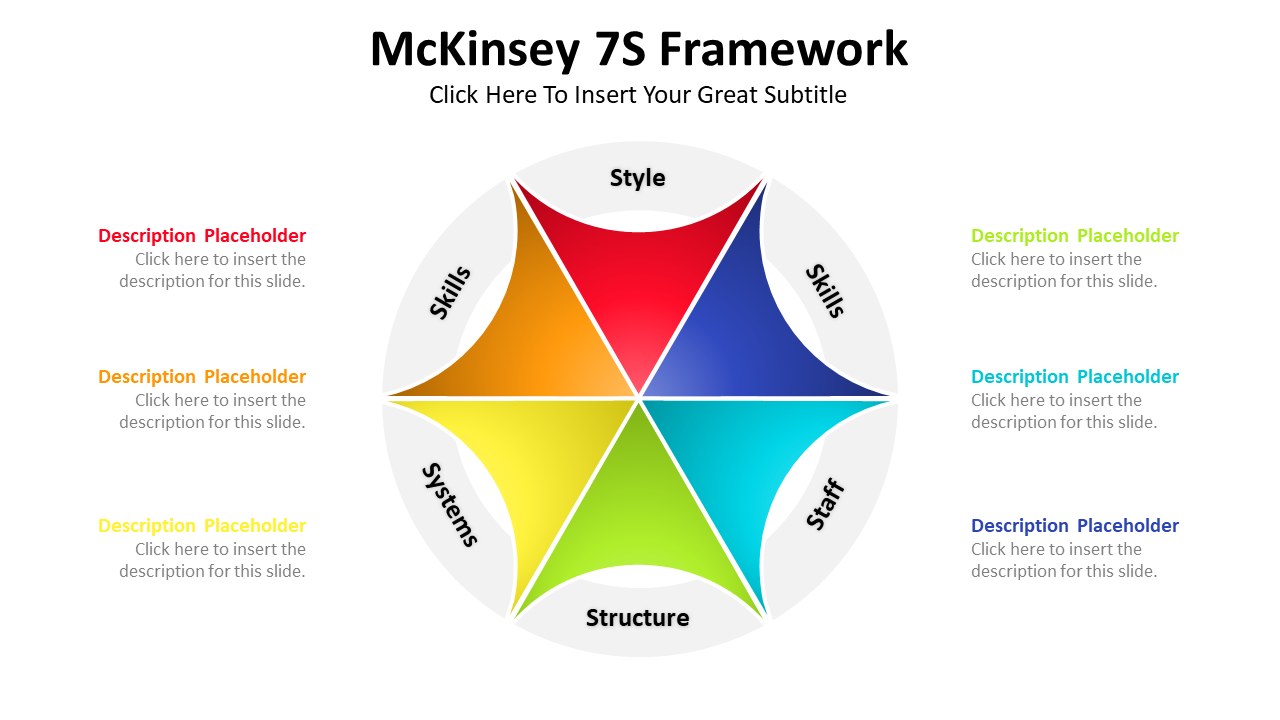
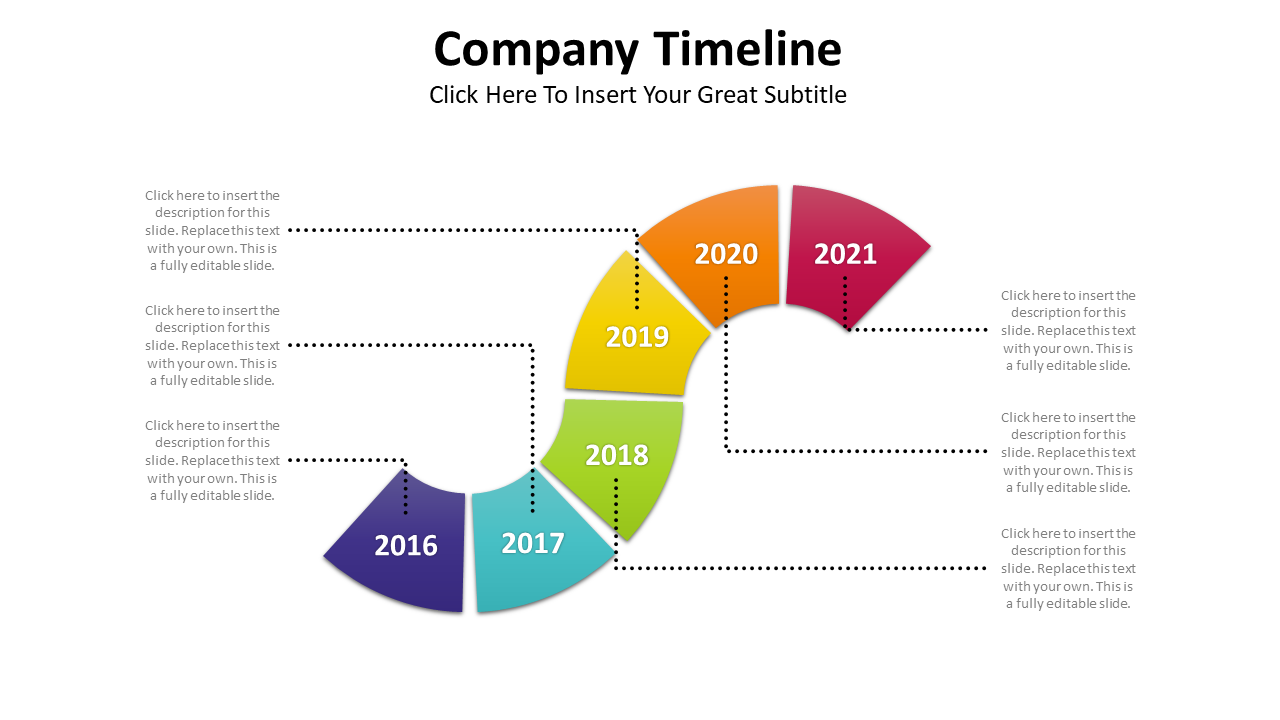
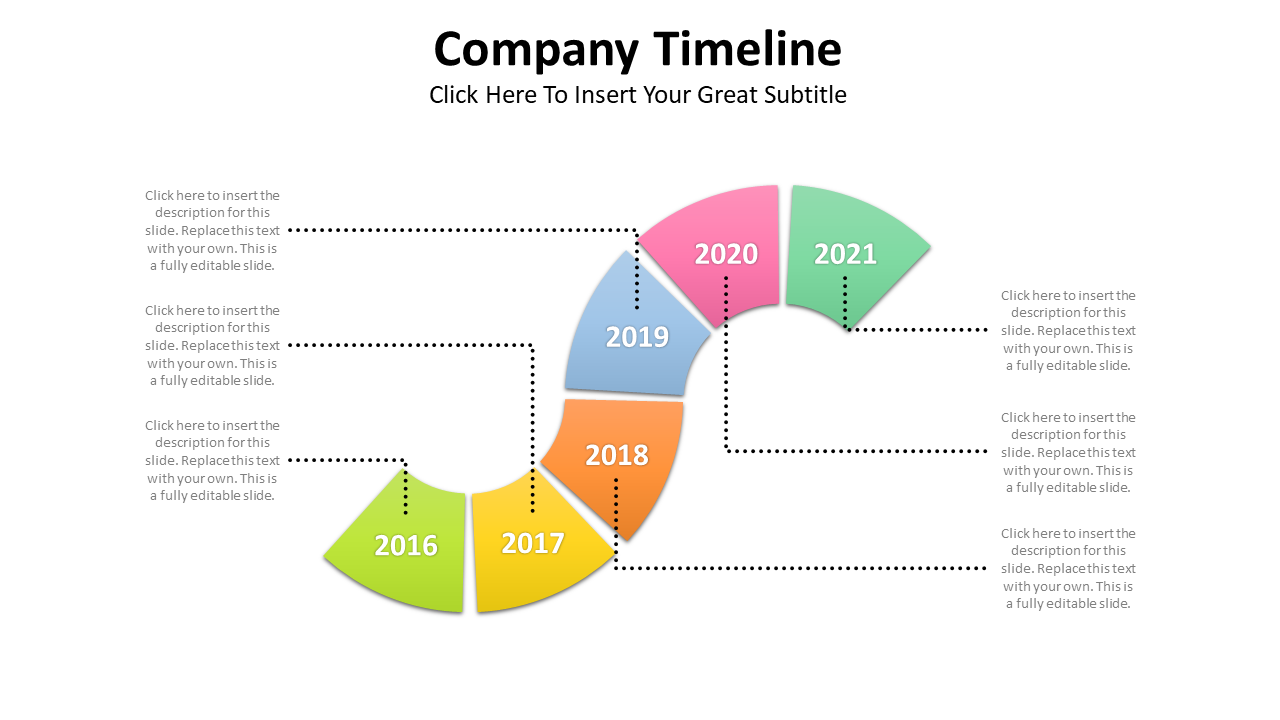
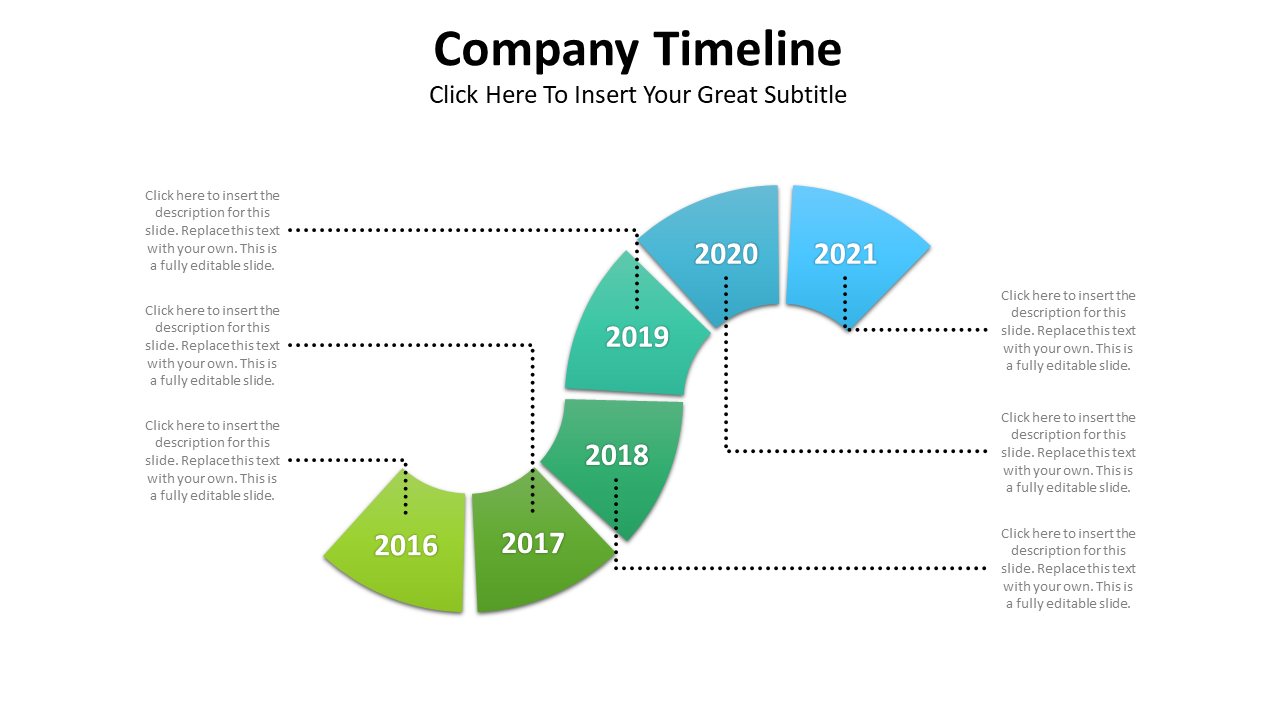
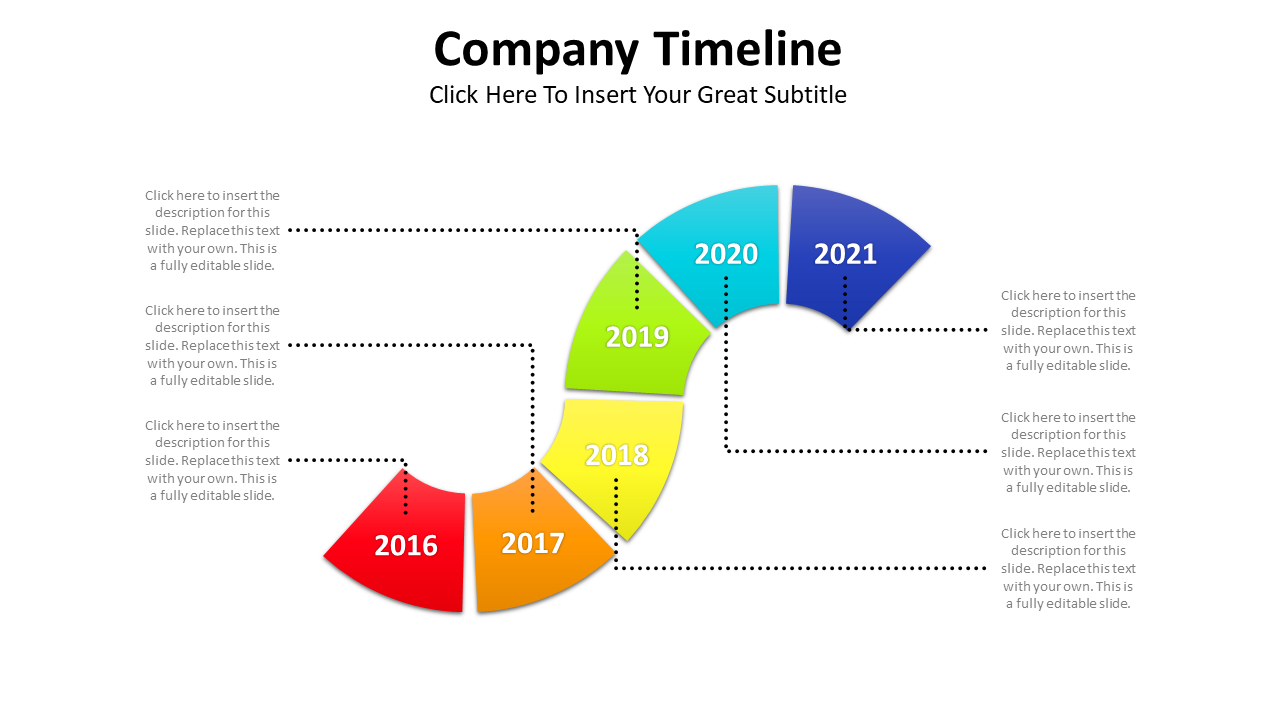
930+ UNIQUE SLIDES
PRICED AT 410 USD
DON´T MISS THIS
LIMITED TIME OFFER
WHAT COMES IN THE PRODUCT?
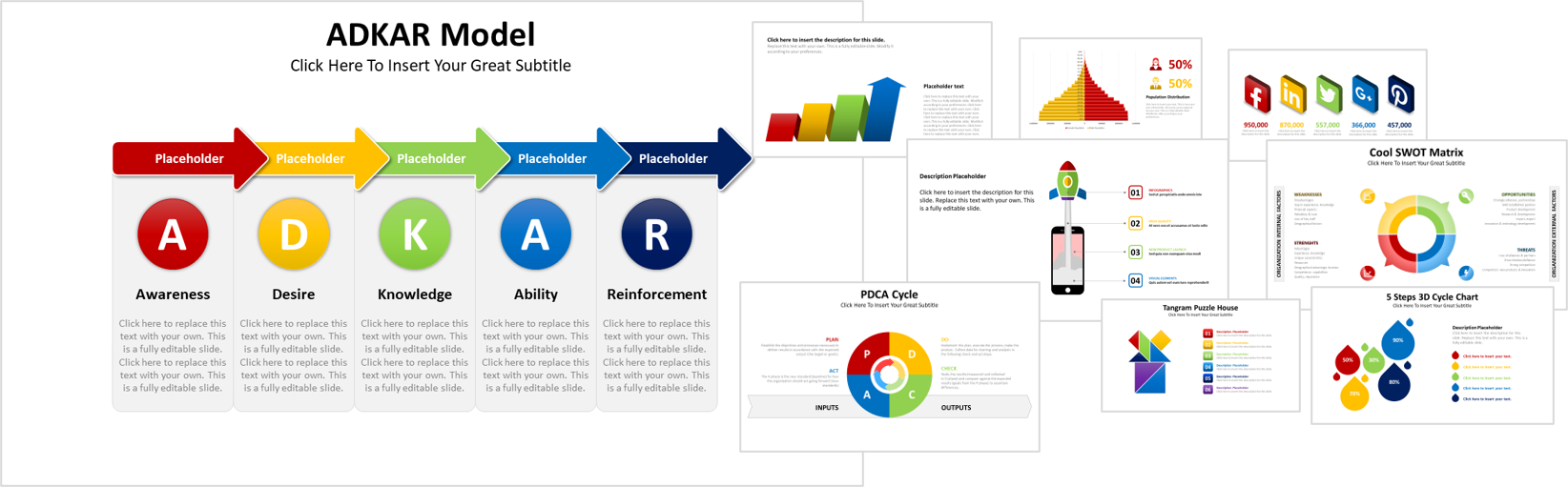
Color Themes
Template categories
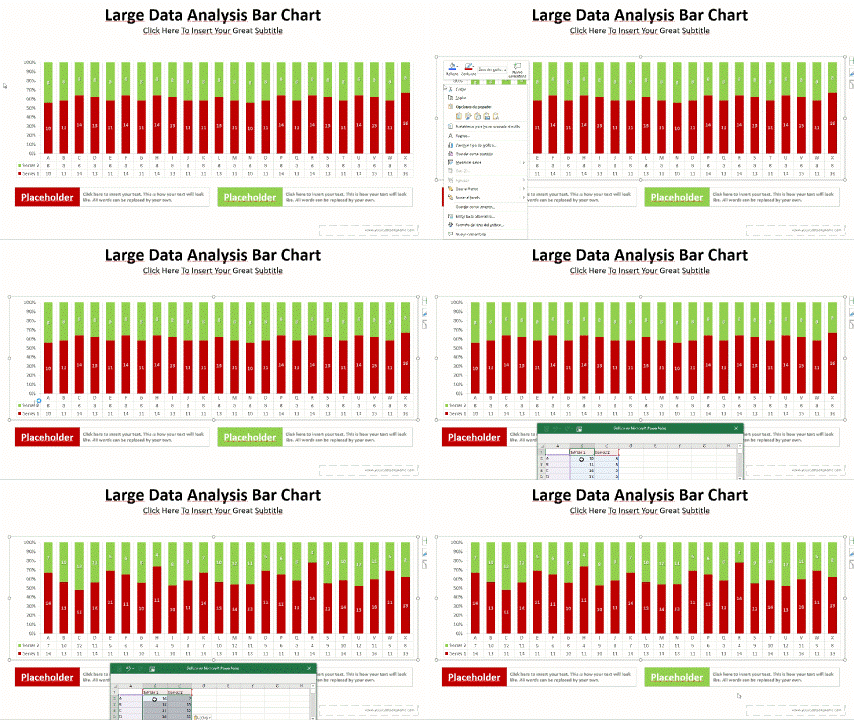
Excel linked slides
Image drag & drop slides
Unique infographic slides
Vector icons
Animated slides
Slides in total
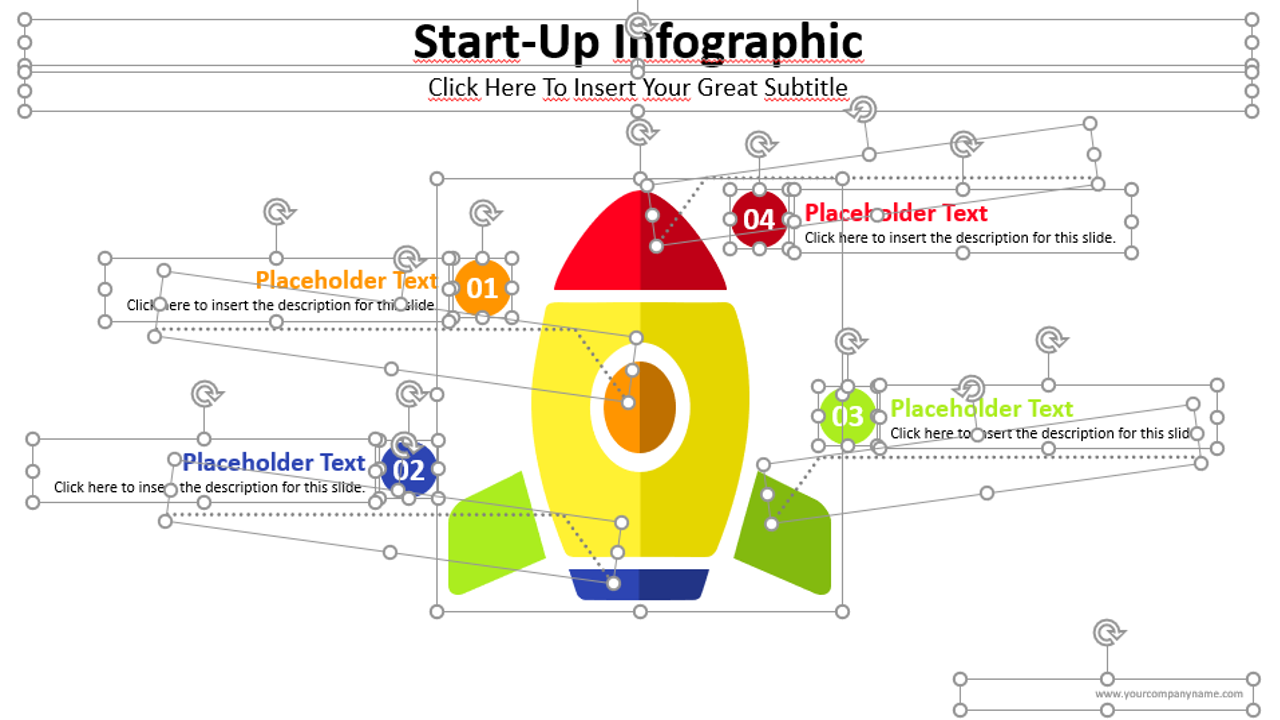
ALL THE GRAPHICS IN THE BIG PACK ARE VECTOR DESIGNS
Compared to the pixel-based borders of an image, the borders of vector illustrations are cleaner. This allows you to easily zoom them in and out without losing their quality, giving your slideshow a sharper, more professional look. Not only that, vector graphics are much smaller in size than images, making it easier and faster to share your presentations.
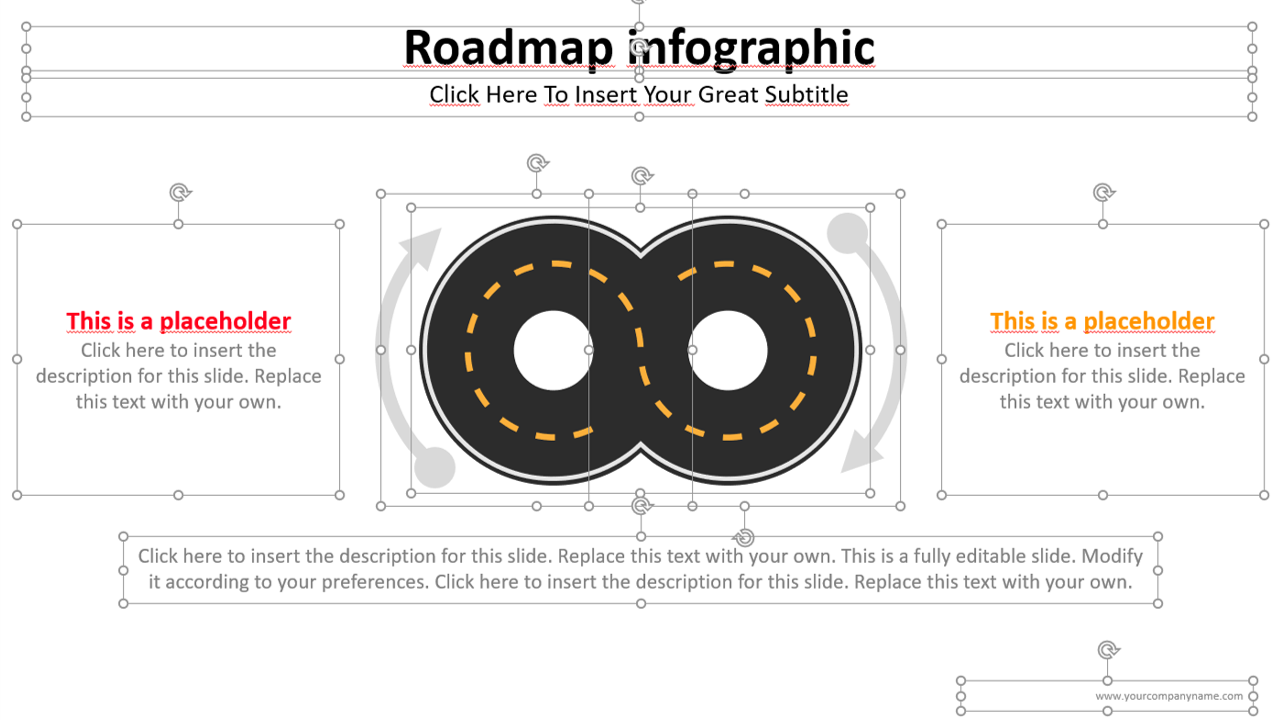
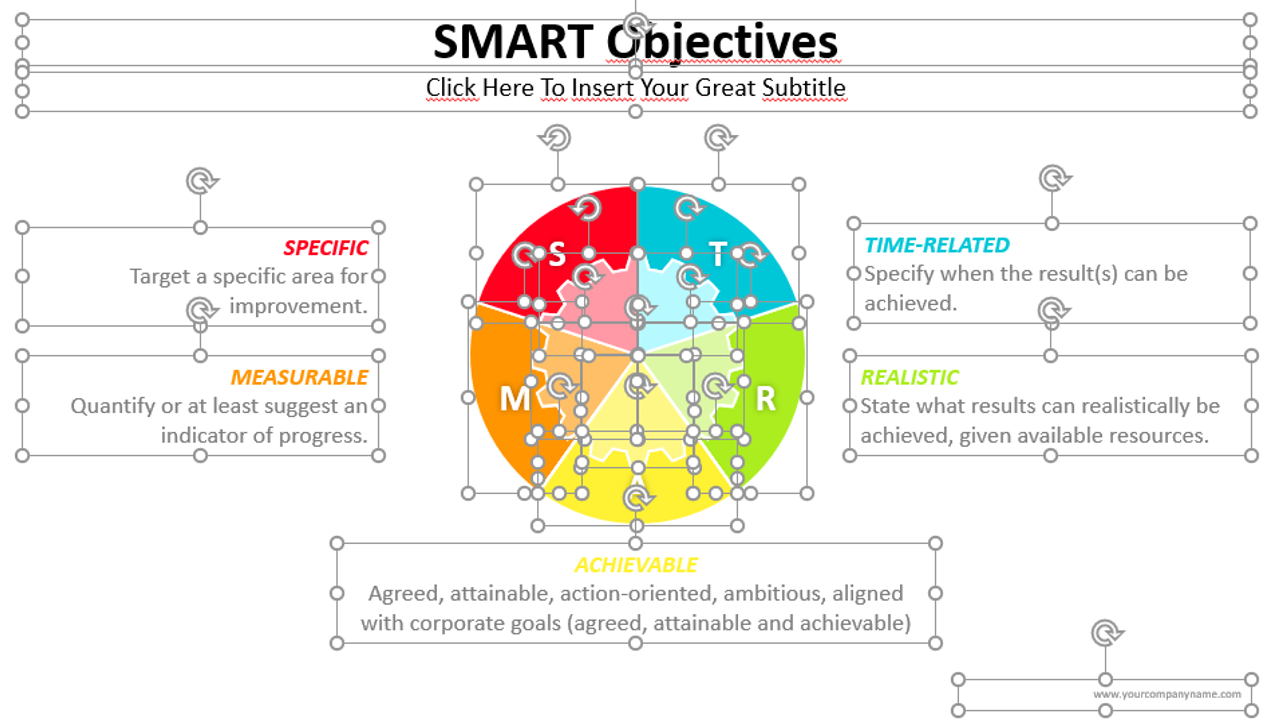
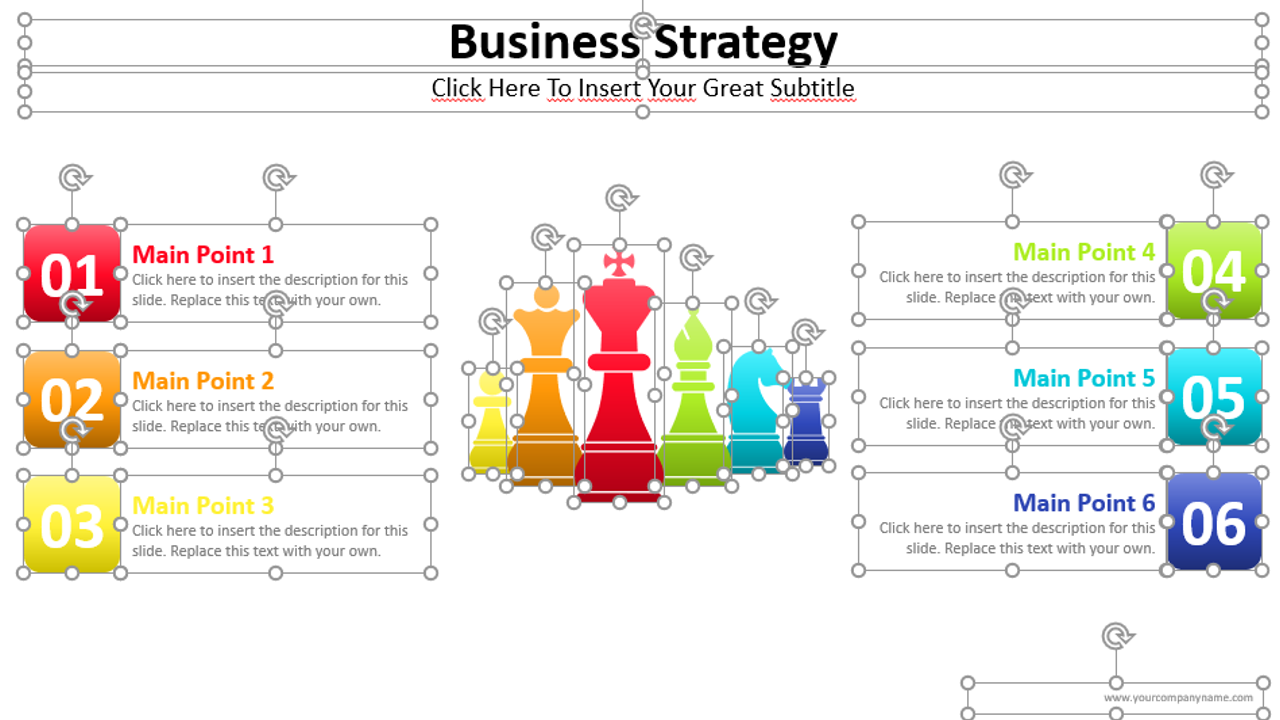
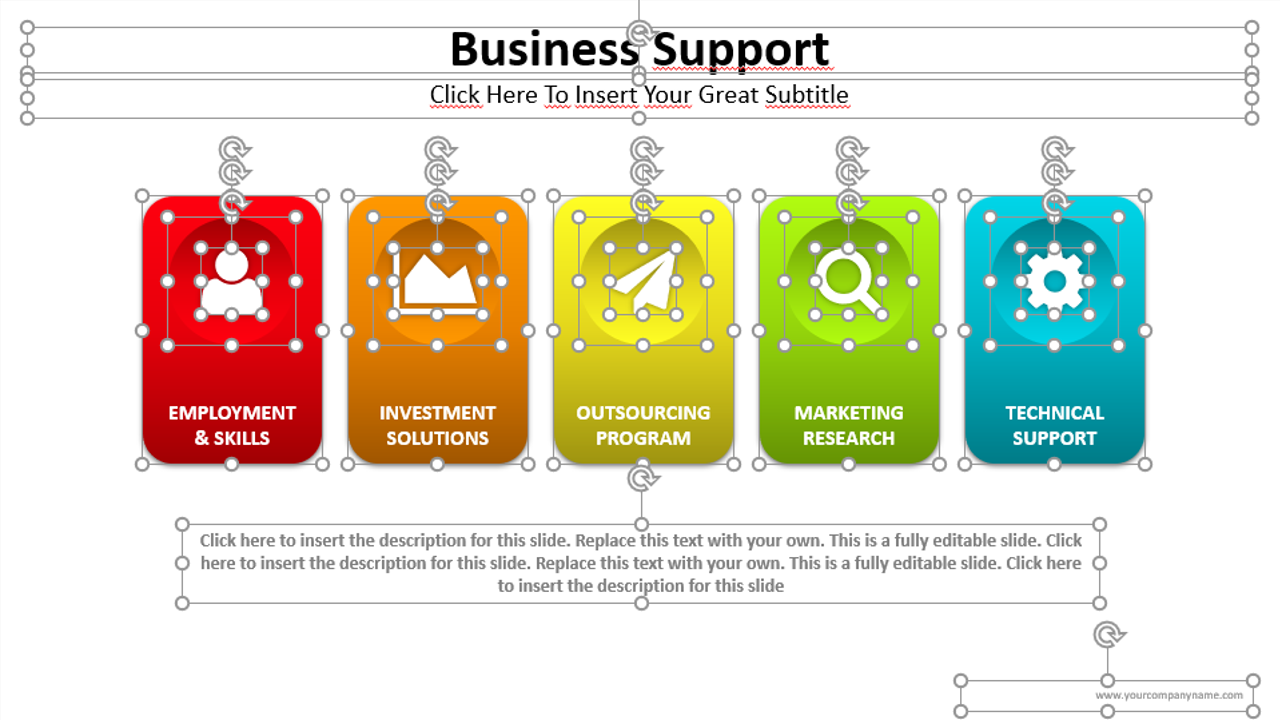
930+ UNIQUE SLIDES
PRICED AT 410 USD
DON´T MISS THIS
LIMITED TIME OFFER
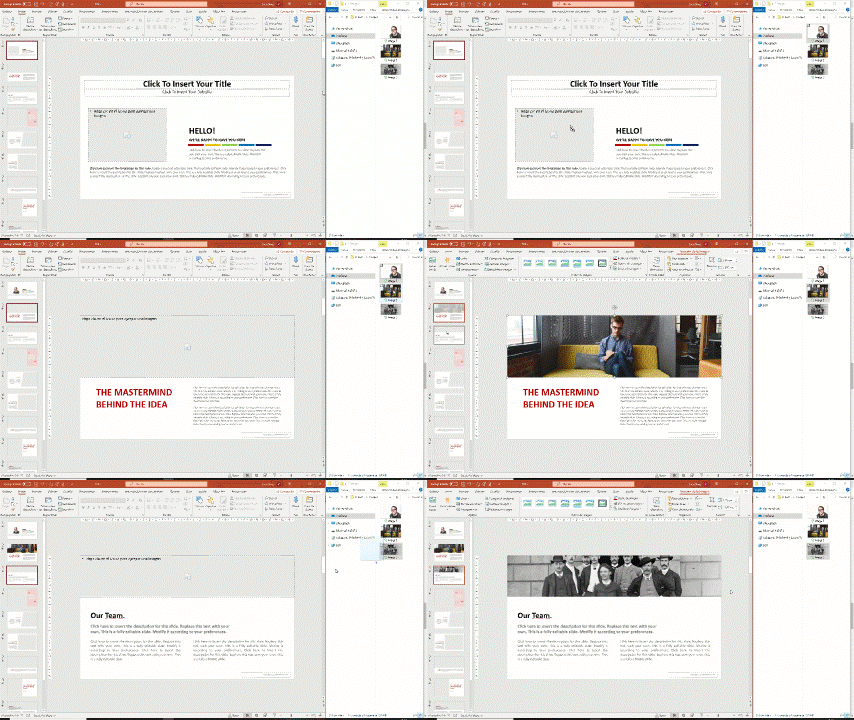
DRAG IMAGE DIRECTLY FROM FOLDER TO PLACEHOLDER
The BIG PACK templates include the PowerPoint drag and drop feature to quickly add pictures that look professional. Do it in 2 steps: First, select an image from your folders. Second, drag the image from the folder to the slide placeholder. That’s it!
HIGH COMPATIBILITY
Our templates are compatible with PowerPoint, Keynote & Google Slides, the most-used presentation formats.

BIG PACK
REGULAR PRICE- 930+ UNIQUE INFOGRAPHIC SLIDES
- ANIMATED & STATIC TEMPLATE VERSION
- 10 AUTOMATIC COLOR THEMES (9300+ SLIDES)
- 70+ CATEGORIES
- ONE TIME PAYMENT, NO SUBSCRIPTION NEEDED
- ONE YEAR OF UPDATES
- ROYALTY FREE
- COMPATIBLE: POWERPOINT, GOOGLE SLIDES AND KEYNOTE
- COMPATIBLE: PC, MAC AND MOBILE DEVICES
- 130+ EXCEL DATA DRIVEN TEMPLATES
- ILLUSTRATIONS COMPATIBLE WITH MICROSOFT WORD
- 2800+VECTOR ICON PACK INCLUDED
BIG PACK
LIMITED TIME DEAL PRICE- 930+ UNIQUE INFOGRAPHIC SLIDES
- ANIMATED & STATIC TEMPLATE VERSION
- 10 AUTOMATIC COLOR THEMES (9300+ SLIDES)
- 70+ CATEGORIES
- ONE TIME PAYMENT, NO SUBSCRIPTION NEEDED
- ONE YEAR OF UPDATES
- ROYALTY FREE
- COMPATIBLE: POWERPOINT, GOOGLE SLIDES AND KEYNOTE
- COMPATIBLE: PC, MAC AND MOBILE DEVICES
- 130+ EXCEL DATA DRIVEN TEMPLATES
- ILLUSTRATIONS COMPATIBLE WITH MICROSOFT WORD
- 🎁 2800+ VECTOR ICON PACK INCLUDED
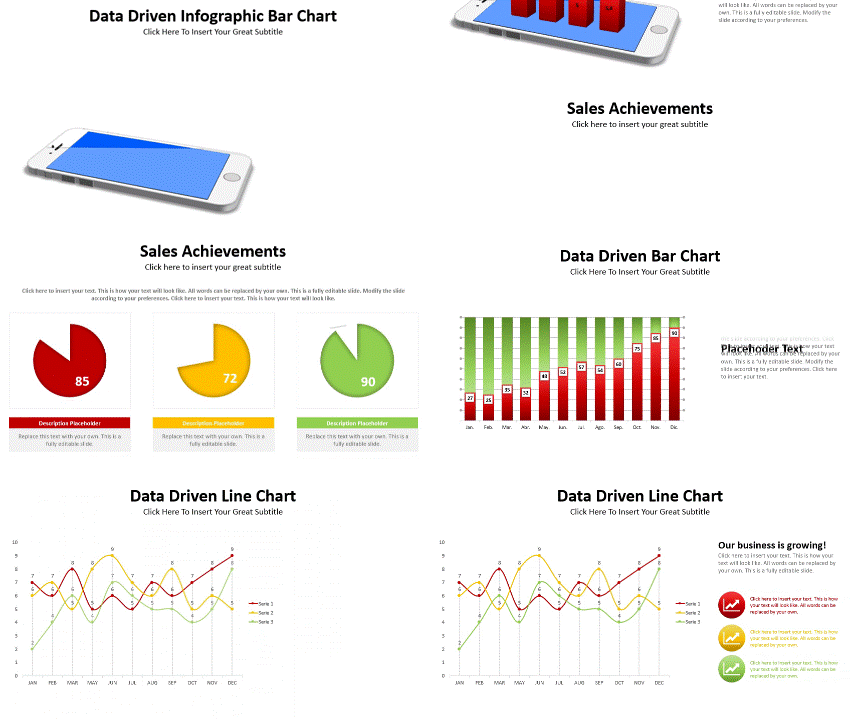
SMART DATA VISUALIZATIONS SEALS BIG DEALS
Since a picture is worth a thousand words is true, it is important that graphics make it easy to grasp and interpret a context within seconds and create insights that lead to big wins. Smart data visualization is all about translating large volumes of raw data into concise graphics, such as line charts, pie charts, scatter plots or even histograms.
ALL CATEGORIES AVAILABLE IN THE BIG PACK
ALL CATEGORIES AVAILABLE IN THE BIG PACK
Our company image drag & drop
Showcase image drag & drop
Product pictures drag & drop
Welcome Charts
About Us
Meeting agenda
Timelines
Roadmaps
ADKAR
Gantt chart
Organizational charts
Business services
Start-Up infographics
Product infographics
Essential text slides
Business objectives
Business & clients
Business process
Sales infographics
Checklists
Matrix infographics
Risk matrix
Sales training
PDCA Cycle
McKinsey infographics
Essential tables
Pricing tables
Survey infographics
Marketing charts
PEST/PESTEL Model
Pros & Cons
AIDA Model
IT & data analysis
SEO infographics
Save the planet
Social networks
Business location
Analogy infographics
Venn diagrams
Cycles infographics
Funnels infographics
SWOT diagrams
Waterfall charts
Puzzle infographics
Data infographics
Excel linked dashboards
Excel linked bar charts
Excel linked waterfall charts
Excel linked line charts
Excel linked pie charts
Excel linked survey infographics
Excel linked infographics
Excel linked bubble charts
Excel linked scatter plot charts
Excel linked area charts
Excel linked radar charts
Excel linked Pareto charts
Excel linked treemap charts
Excel linked solar projection charts
Excel linked combined charts
Real estate infographics
Circle main points
Numbered lists infographics
Infographic main points
Tangram Puzzles
Origami infographics
Butterfly wing diagrams
Arrow infographics
Traffic lights & traffic signs
Vector world maps
Contact us slides
Questions & answers
Vector Icons
930+ UNIQUE SLIDES
PRICED AT 410 USD
DON´T MISS THIS
LIMITED TIME OFFER
FREQUENTLY ASKED QUESTIONS
When will I get my slides?
Immediately after your purchase, you will be able to download your slides. We will also send you a download link to the e-mail address you registered during your purchase.
Is this a one-time purchase?
Do I need specific design knowledge or skills?
Can I copy my slides shapes to other presentations?
Can I use my templates in PowerPoint, Keynote & Google Slides?
Yes. Our templates are compatible with PowerPoint, Keynote & Google Slides, the most-used presentation formats. Please note that some features designed in PowerPoint may not run properly in other software. I such a case you may need to do some minor adjustments to your slides before your presentations.
Can I use my purchased templates in tablets and smartphones?
Can I create presentations with SlidePoints content and distribute them freely?
Can I use the SlidePoints content for a client project?
Which software are the vector illustrations compatible with?
Which payment methods do we accept?
Your content goes here. Edit or remove this text inline or in the module Content settings. You can also style every aspect of this content in the module Design settings and even apply custom CSS to this text in the module Advanced settings.
What is our Refund Policy?
Please read our refund policies here.